
Table of Contents
ToggleWelcome to the New Era of Search
For years, SEO was all about ranking in traditional blue links. Today, search engines look completely different. Users now get AI-driven answers, dynamic summaries, and generative experiences that push standard results down the page.
However, the core mechanics of search haven’t changed. Search engines still need to crawl, render, and index your website before they can recommend it. If your technical SEO is broken, even the best AI-optimized content won’t rank.
At Digital Romans, we believe modern marketers must bridge the gap between technical data and content strategy. Here is how to safeguard your site and thrive in this shifting landscape.
Mastering the Basics of Google Search Console (GSC)
Google Search Console is no longer just a simple diagnostic tool. It functions as an AI-powered insights engine that highlights website errors automatically. To get the most out of it, you need to understand three core areas.
Setting Up Property Types
When adding a site to GSC, you must choose between two setup options. A Domain Property covers your entire brand, including all subdomains and protocol versions like HTTP versus HTTPS. It requires DNS verification but offers the most complete view of your data.
Alternatively, a URL-Prefix Property tracks only a specific URL path, which is useful if you only want to isolate and study a specific section of your site.
Reading the Performance Report
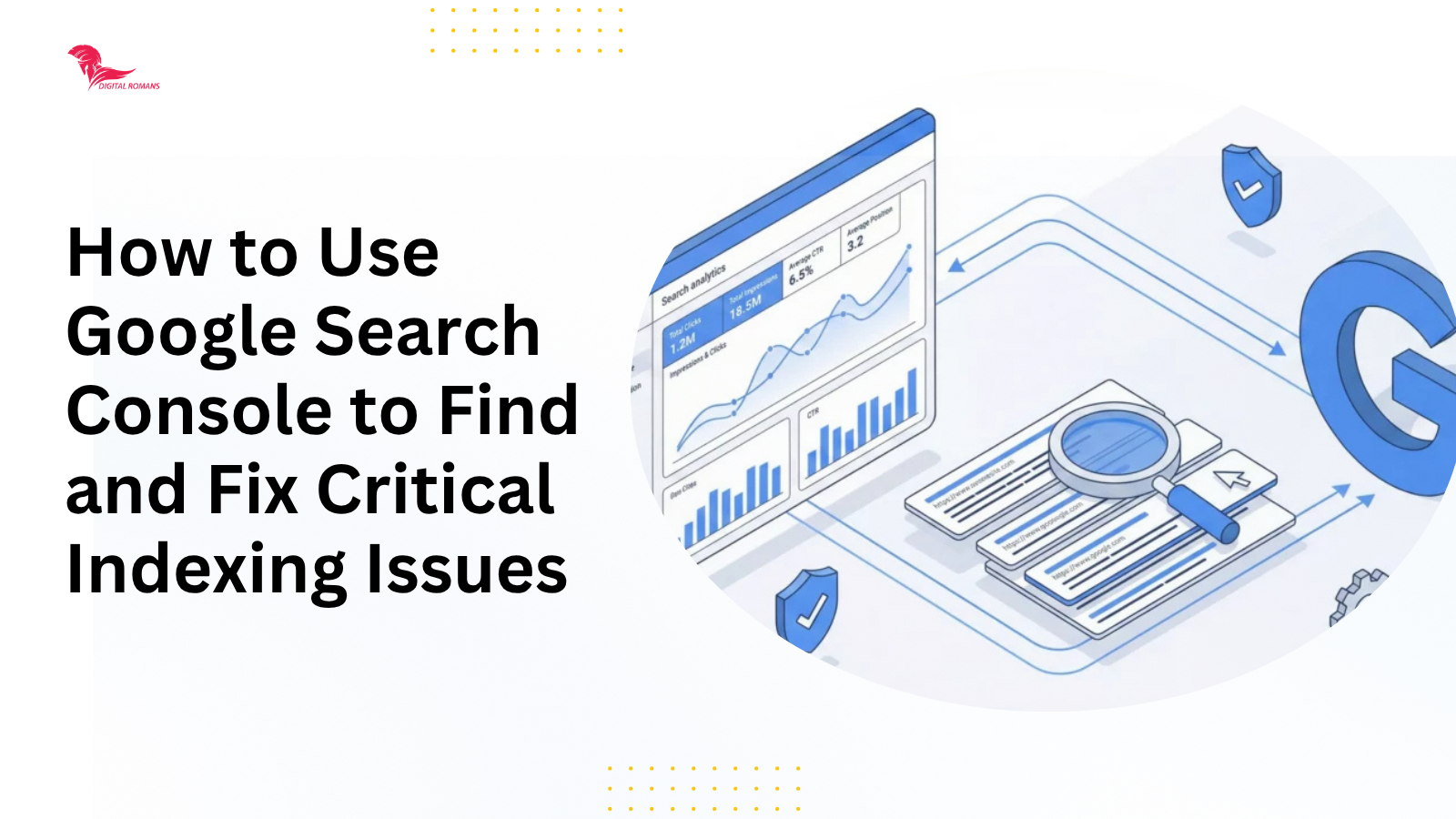
This report tracks your organic traffic, including total impressions, clicks, average Click-Through Rate (CTR), and keyword rankings. Marketers should look for actionable patterns within this data.
When you notice High Impressions + Low CTR, it means people see your link but do not click it. You can fix this by rewriting your title tags and meta descriptions to be more engaging.
If you see Low Ranking + High CTR, it means a page on page two of search results is getting a lot of interest. You can fix this by refreshing and updating the content to push it onto page one.
Leveraging the URL Inspection Tool
Think of this tool as your direct line to Googlebot. You can paste any URL into the top search bar to see exactly how Google views your page in real-time.
This tool allows you to check if a new or updated page is successfully indexed. It also lets you test for mobile usability or broken scripts, and you can use it to request manual indexing to speed up how fast Google finds your page.
Fixing Critical Indexing Issues
If search engines or AI crawlers cannot index your content, your site simply does not exist to users. You must use the Page Indexing Report to locate and fix these barriers.
Decoding the Page Indexing Report
The first common error is Discovered – currently not indexed. This status means Google knows the page exists but delayed crawling it so your server wouldn’t overload. To fix this, improve your server response time and add more internal links to the page.
The second common error is Crawled – currently not indexed. This means Google successfully read the page but actively decided not to include it in search results. The solution requires you to improve the page quality, add unique value, or merge duplicate content.
Resolving 404 Errors and Server Faults
Standard 404 Errors occur when a page is deleted or moved without a redirect. Too many 404s signal to Google that your site is neglected. You can fix this by setting up permanent 301 redirects from broken links to live, relevant pages.
Soft 404s occur when a page tells the user “Not Found” but tells Google the page is perfectly fine. The fix here is to configure your server so that it sends the correct error code to search bots.
5xx Server Errors mean Googlebot cannot access your site due to a server crash or timeout. When this happens, you should contact your hosting provider immediately to resolve the underlying technical issue.
Managing Noindex Tags and Canonicalization
Accidental Noindex Tags explicitly tell Google to hide a page from search results. You should use the URL Inspection tool to ensure your main revenue-generating pages do not have this tag turned on by mistake.
Canonicalization Issues happen when you have duplicate pages, which is a common problem in e-commerce. Google will guess which one to rank, and it might choose the wrong one. You can fix this by using canonical tags to tell Google exactly which version is the master copy.
The Shift: How AI is Changing SEO
AI search tools and Search Generative Experiences synthesize data from multiple sites to give users instant answers. This evolution has triggered major shifts in how content must be optimized.
- From Keywords to Entities
AI does not just look for exact keywords anymore. It looks for recognized concepts, brands, people, or products, as well as the relationships between them. Modern strategy requires building deep topical authority. You must cover subjects comprehensively and answer related questions rather than just repeating a single keyword phrase.
- Overcoming the Zero-Click Dilemma
When AI answers simple questions directly on the search page, users do not click through to websites. To overcome this, focus your efforts on high-intent transactional keywords and deep-dive content. Users looking to hire an agency, compare software, or read deep expert analysis will still click through to your site.
- Optimizing for AI and LLM Crawlers
AI models scrape the web for structured, easy-to-digest data to train themselves and credit sources. You can optimize for this by using highly organized headings, clear short paragraphs, and direct answers near the top of your pages so AI bots can easily cite your brand as a source.
Future-Proofing Strategy: Merging GSC Data with AI Tools
The smartest marketers use their Google Search Console data to power their AI content tools. You can export your GSC data to find keywords where you have high impressions but sit on page two. Feeding these exact phrases into AI tools helps you build content outlines and FAQs that get you to page one.
You must also monitor site health during content scaling. If you use AI to create a lot of content quickly, your site architecture can get messy. Keep a close eye on GSC, and if you see a massive spike in unindexed pages, slow down your publishing and fix your internal linking.
Finally, always use schema markup This JSON-LD code acts as a universal translator for search engines and AI alike. Adding schema takes the guesswork out of the crawling process, making your site a trusted data source for AI models.
Conclusion: Code Meets Context
Surviving the modern search era requires a balance of clean, technical code and highly valuable content. Knowing how to use Google Search Console to fix indexing bugs protects your hard work from crumbling under algorithm updates.
Log into your Search Console today, clean up your indexing bottlenecks, and clear the path for your digital success.

